Connect AI tools with MCP
Use a personal token to let an MCP client search and add places, manage lists and status, and use tools from installed modules.
Connect with MCPA place for your places
A self-hosted library for the places you care about. Bring your saved places together and keep the details that make them yours.
OPEN SOURCE / SELF-HOSTED / YOUR DATA
THE PLACES YOU WANT TO REMEMBER.ALL IN ONE PLACE
YOUR LIBRARY
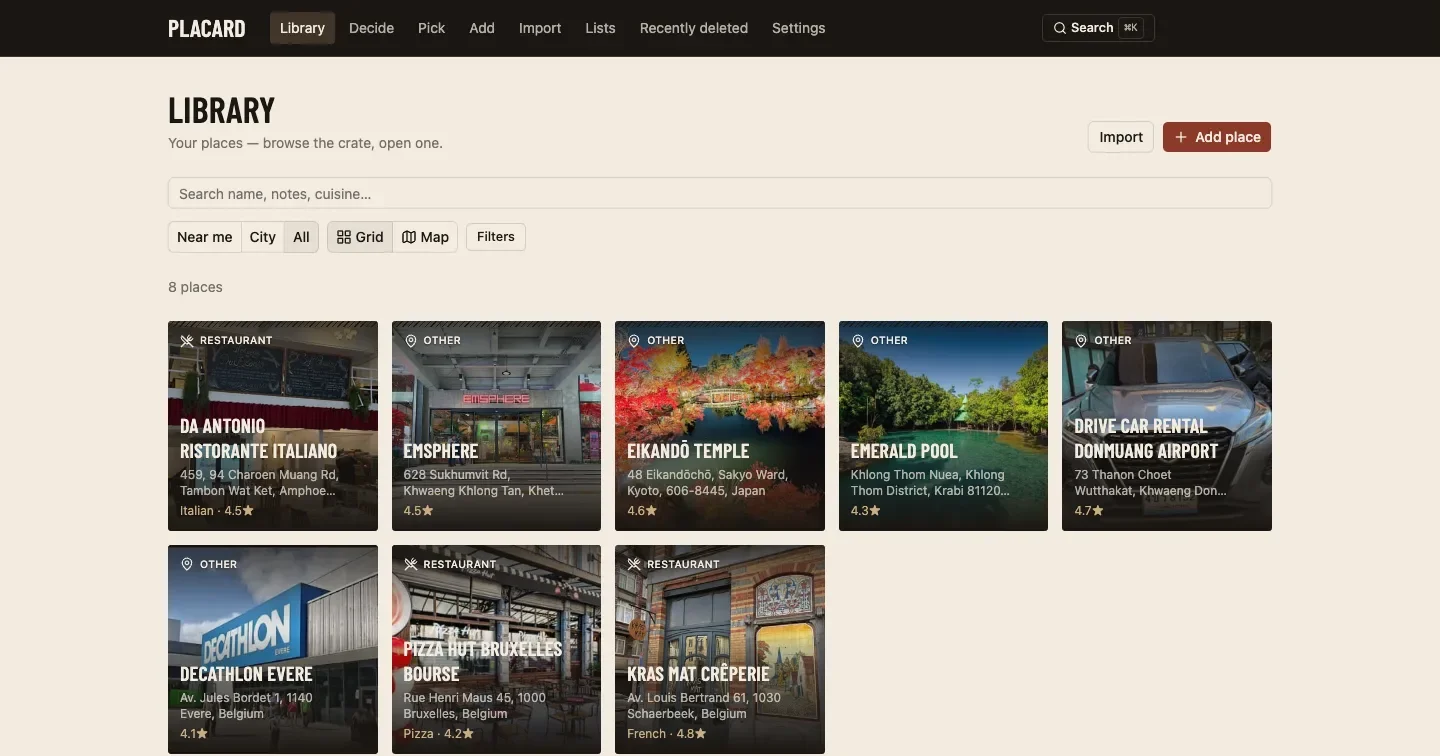
Placard gives your saved places a home on your own server. Import your Google Takeout saves, add your own notes and photos, and find the right place when you need it.
Get to know PlacardOrganize your collection with lists, tags, notes and photos.
Search your library or discover saved places near you.
Run Placard on your server, with your database and media.
MADE TO FIT YOUR LIFE
Use a personal token to let an MCP client search and add places, manage lists and status, and use tools from installed modules.
Connect with MCPUse the Chrome extension to send a place to Placard, then review its name and location before saving.
Set up the extensionGive an agent the module brief and skeleton to build your own tool. Review the result before an admin installs it.
Get the module briefOpen Placard in your phone browser or add it to your home screen. An internet connection to your instance is required.
Use Placard on your phoneWhen an admin enables household mode, choose which of your places to share with household members.
Learn about sharingExport your library as JSON or GeoJSON, along with your media.
Explore export optionsOPTIONAL MODULES
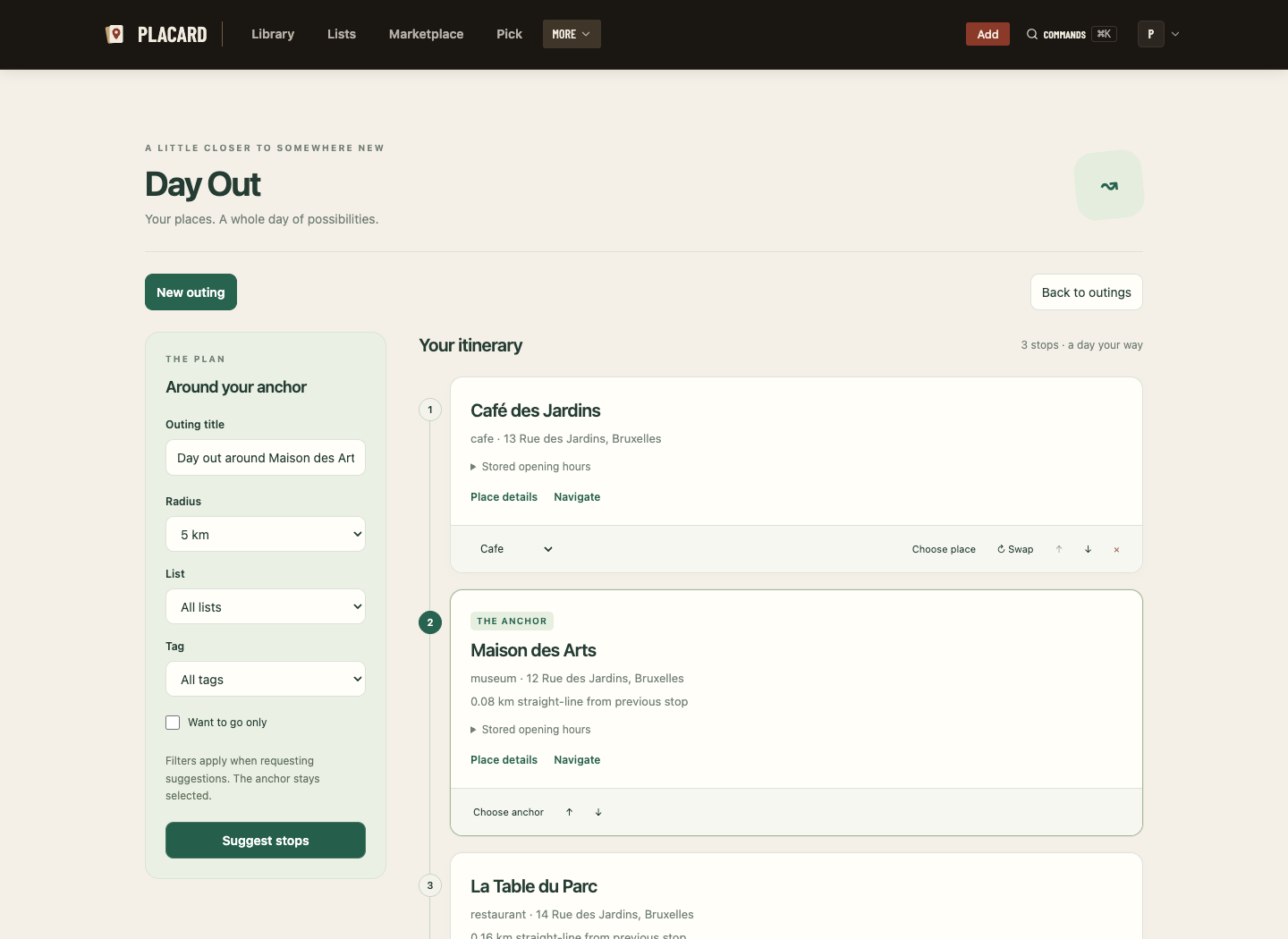
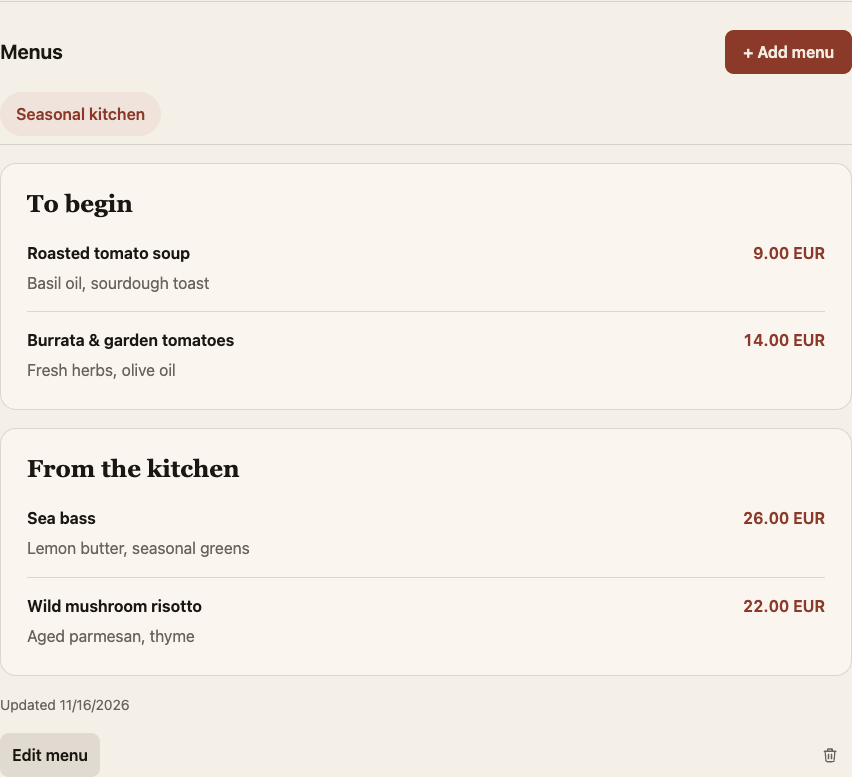
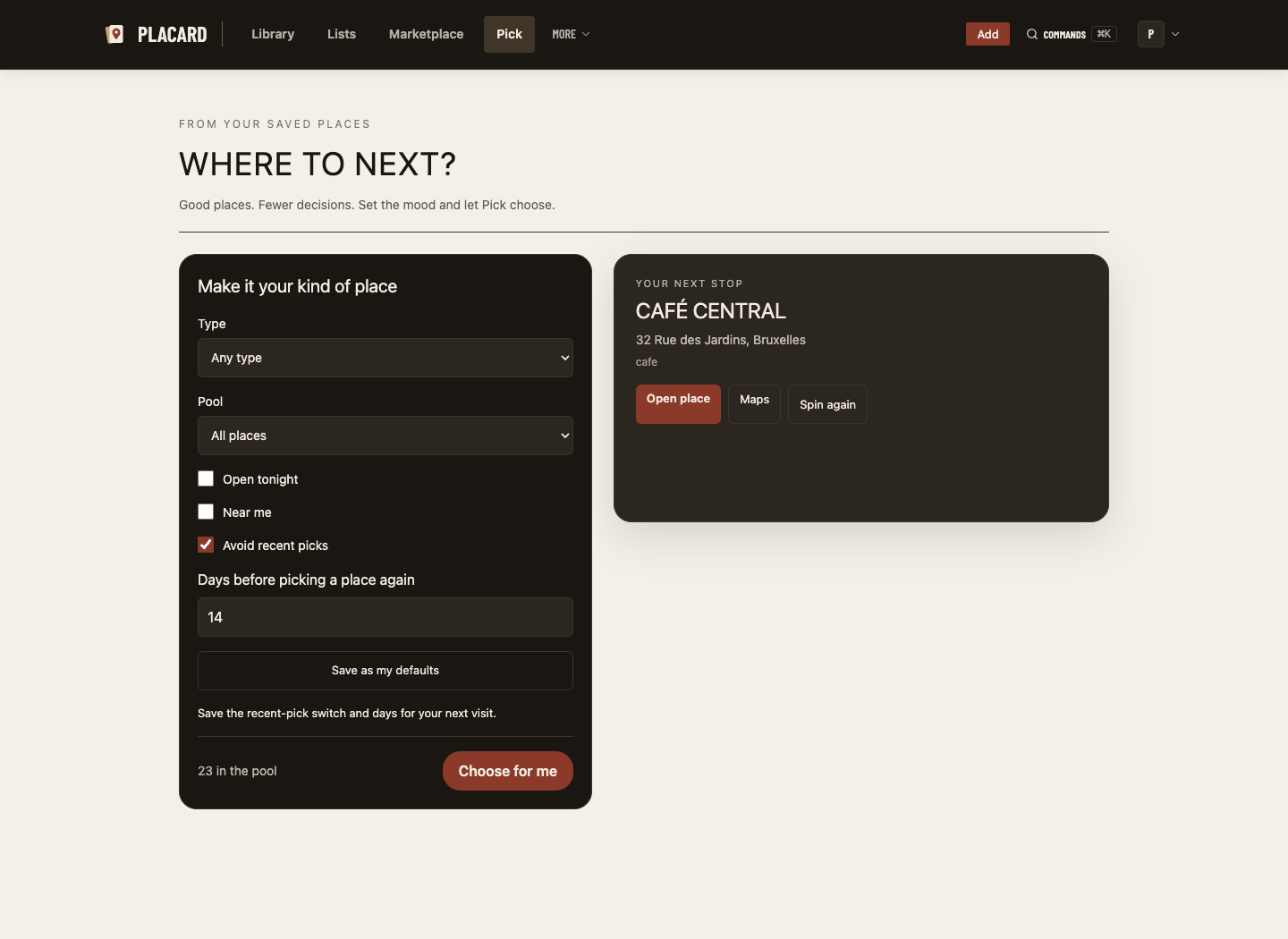
Make plans, save menus, or let your library choose. Add the tools you need.
Explore all modulesGET STARTED
Install Docker, run the installer, and create your administrator account. The guide covers configuration, HTTPS, upgrades and backups.
Install PlacardOn your own instance, in your database and media storage. You manage access and backups.
Google enrichment uses your own Google Maps Platform key. See the Google APIs guide for setup and billing details.
Multi-user accounts are supported. An administrator controls household place sharing.
Yes. Placard is licensed under AGPL-3.0. You can inspect the source, self-host and contribute on GitHub.